Advanced Automation



Reference documents are hosted at https://github.com/ssis-aa. This course at SSIS was created by Evan Weinberg @emwdx.
Unit 1: Functions and Modular Code
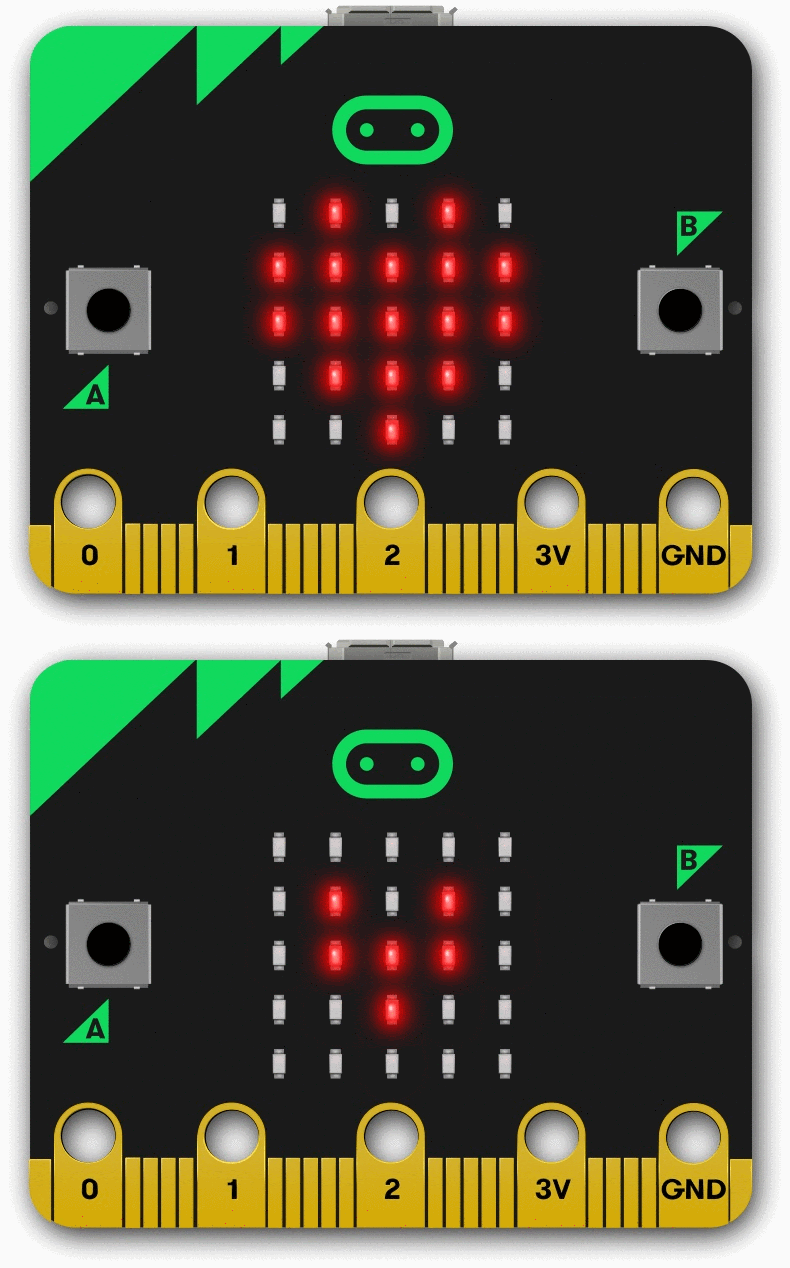
- Welcome to Advanced Automation
- Introduction to Functions
- Shock Detector Case Study
- Mastery Check - Sketch of Functions
- Making Code Modular
- Module Maker - Creating modular code yourself!
- Drink Machine Part I
- Drink Machine Part II
- Drink Machine Testing Software
Unit 2: Managing State
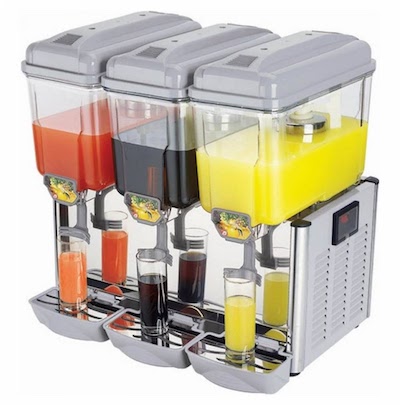
- Binary Secret Code - Introduction to Abstraction
- Three Boards, Three Flavors
- Introduction to State Machine Programming - Escape to Summer Case Study
- Drink Dispenser State Machine
- Building a Physical Drink Dispenser State Machine
- Iterative Design
- Choosing your system
- Microwave State Program
- Inputs, Outputs, Hardware
- Levels of Abstraction I
- Levels of Abstraction II
Unit 3: Collaborative Code and Generative Art

- Generative Art and the Circle K Project
- Design Project
- Branches, Forks, and Pull Requests
- Circular Art
- Idea Sharing for the Generative Art Project
- Project Check-In
- Design Project Submission
- Singular Collaborative Art Project
- Work on Collaborative Art Project
- Work on Collaborative Art Project
- Design Project Submission
- Singular Collaborative Art Project
- Singular Collaborative Art Project
- Singular Collaborative Art Project
- Singular Collaborative Art Project
- Explanation of Winter Break Assignment
Unit 4: Control Algorithms and APIs

- Introduction Control Systems Board
- Carrier board rp2040 - physical and electrical connection
- The I2C Bus
- Activate the OLED display
- Control Algorithms
- Digital states and Pulldown Resistors
- Repositories for Control Systems
- The PID controller
- VEX VR Control Systems Task
- Water Flow Controller and Landing a Rocket
- APIs and Libraries
- Sphero RVR API
- Control Challenge 2022-2023
- Documentation on Design Decisions
- On the Field: Control Systems and API Challenge
- Final test for the Sphero RVR challenge on the field
Unit 5: Machine Learning and Modifying Code
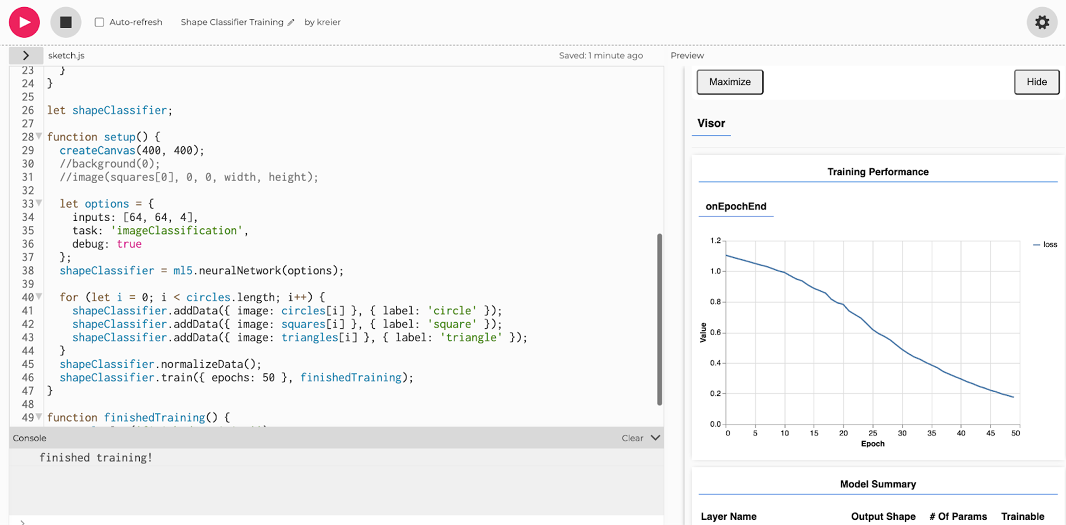
- Sketch Classifier
- Improving the Classifier
- Self Driving Car Activity
- Iterative Design
- Evaluating Algorithms and Standards
- Machine Learning Project - Objective and Dataset
- Machine Learning Project - Algorithm and Training Data
- Machine Learning Project - Training the Model
- Work on Project Unit 5: Standard 2, 11 and 12
- Project Unit 5 completion
- Presentation of Unit 5 projects
- Refine presentations for art party “RESET”
Unit 6: Measurement and Data Processing
- Collecting Data
- The Color Wheel
- Fan Tachometer Revisited
- Thresholded data and Pulse Width
- From csv to continuous read
- Morse Code Project
- Individual project
- Semester 2 Iterative Design
- Continuous Read with the Circuit Playground Express
- Project refinement for Unit 6
- Presentation of Unit 6 projects
- Reflection on achievements
Standards
The first two standards are a separate category with 33% weighting each. The remaining 12 standards fall into the third category, CSE Power Standards (Computer Science and Engineering) and the respective Advanced Automation standard rubrics.


- Document design decisions using text, graphics, presentations, and/or demonstrations in the development of complex programs.
- Design and iteratively develop computational artifacts for practical intent, personal expression, or to address a societal issue by using events to initiate instructions.
- Decompose problems into smaller components through systematic analysis, using constructs such as procedures, modules, and/or objects.
- Construct solutions to problems using student-created components, such as procedures, modules and/or objects.
- Illustrate ways computing systems implement logic, input, and output through hardware components.
- Compare levels of abstraction and interactions between application software, system software, and hardware layers.
- Justify the selection of specific control structures when tradeoffs involve implementation, readability, and program performance, and explain the benefits and drawbacks of choices made.
- Design and develop computational artifacts working in team roles using collaborative tools.
- Create prototypes that use algorithms to solve computational problems by leveraging prior student knowledge and personal interests.
- Demonstrate code reuse by creating programming solutions using libraries and APIs.
- Modify an existing program to add additional functionality and discuss intended and unintended implications (e.g., breaking other functionality)
- Implement an artificial intelligence algorithm to play a game against a human opponent or solve a problem.
- Use lists to simplify solutions, generalizing computational problems instead of repeatedly using simple variables.
- Create artifacts by using procedures within a program, combinations of data and procedures, or independent but interrelated programs. Create procedures with parameters to organize code and make it easier to reuse.
- Develop guidelines that convey systematic troubleshooting strategies that others can use to identify and fix errors.
- Evaluate and refine computational artifacts to make them more usable and accessible.